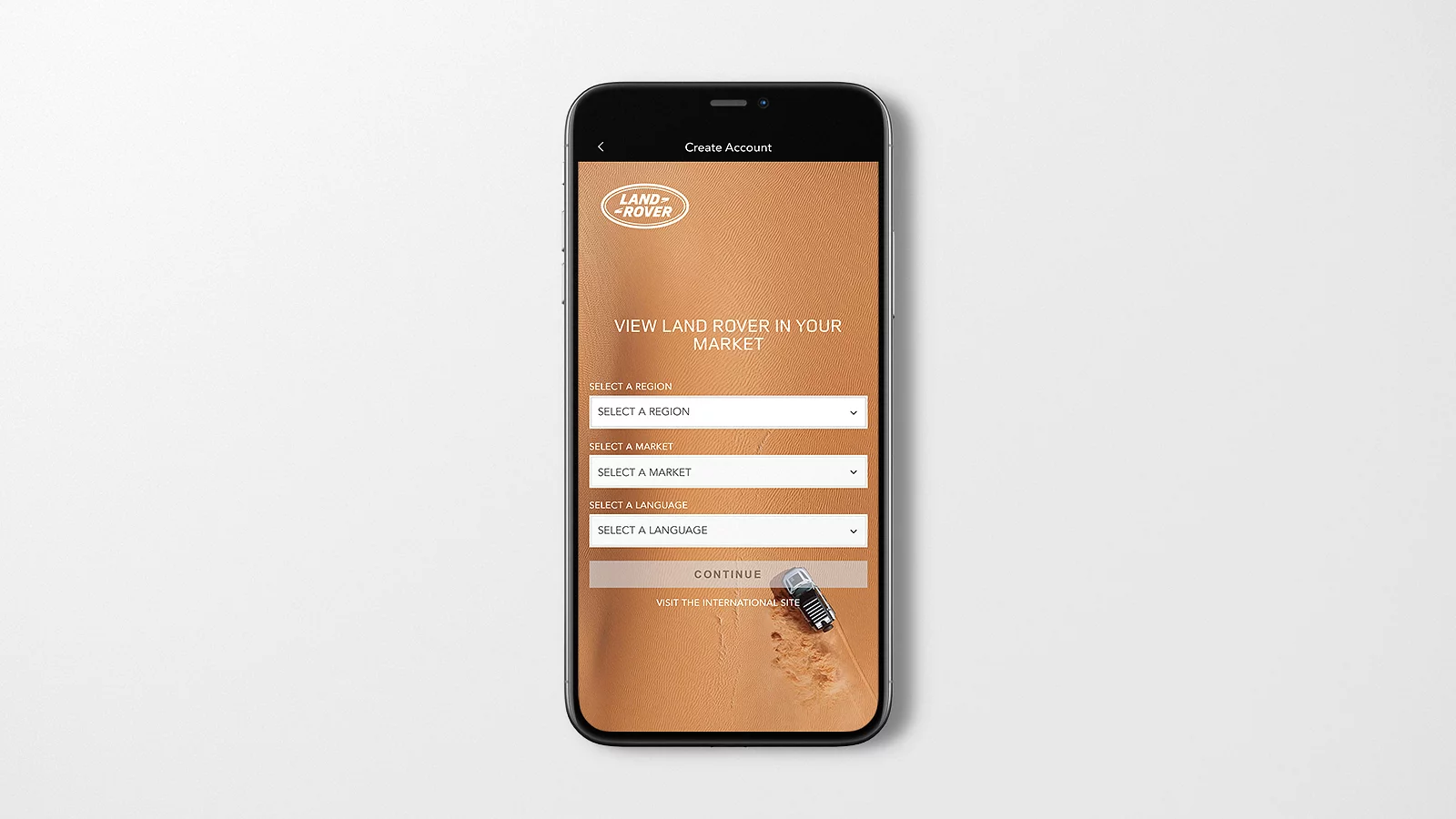
ACTIVATING YOUR INCONTROL ACCOUNT
Create your InControl account to access connected services and manage your vehicle.
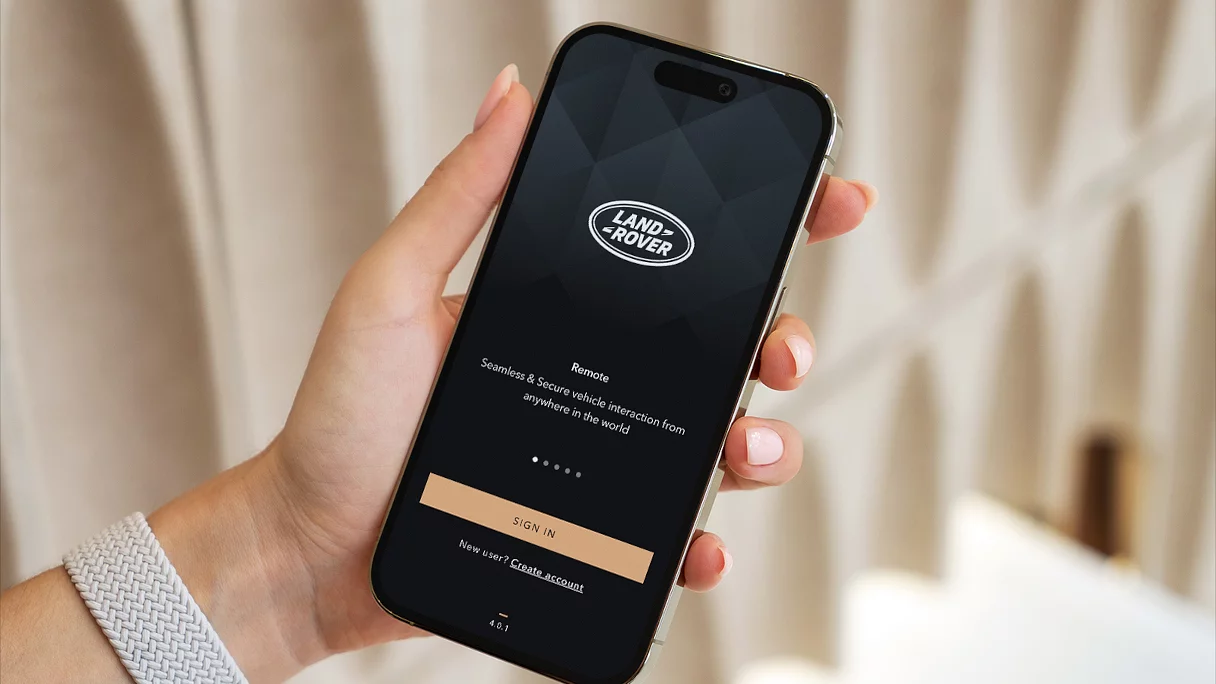
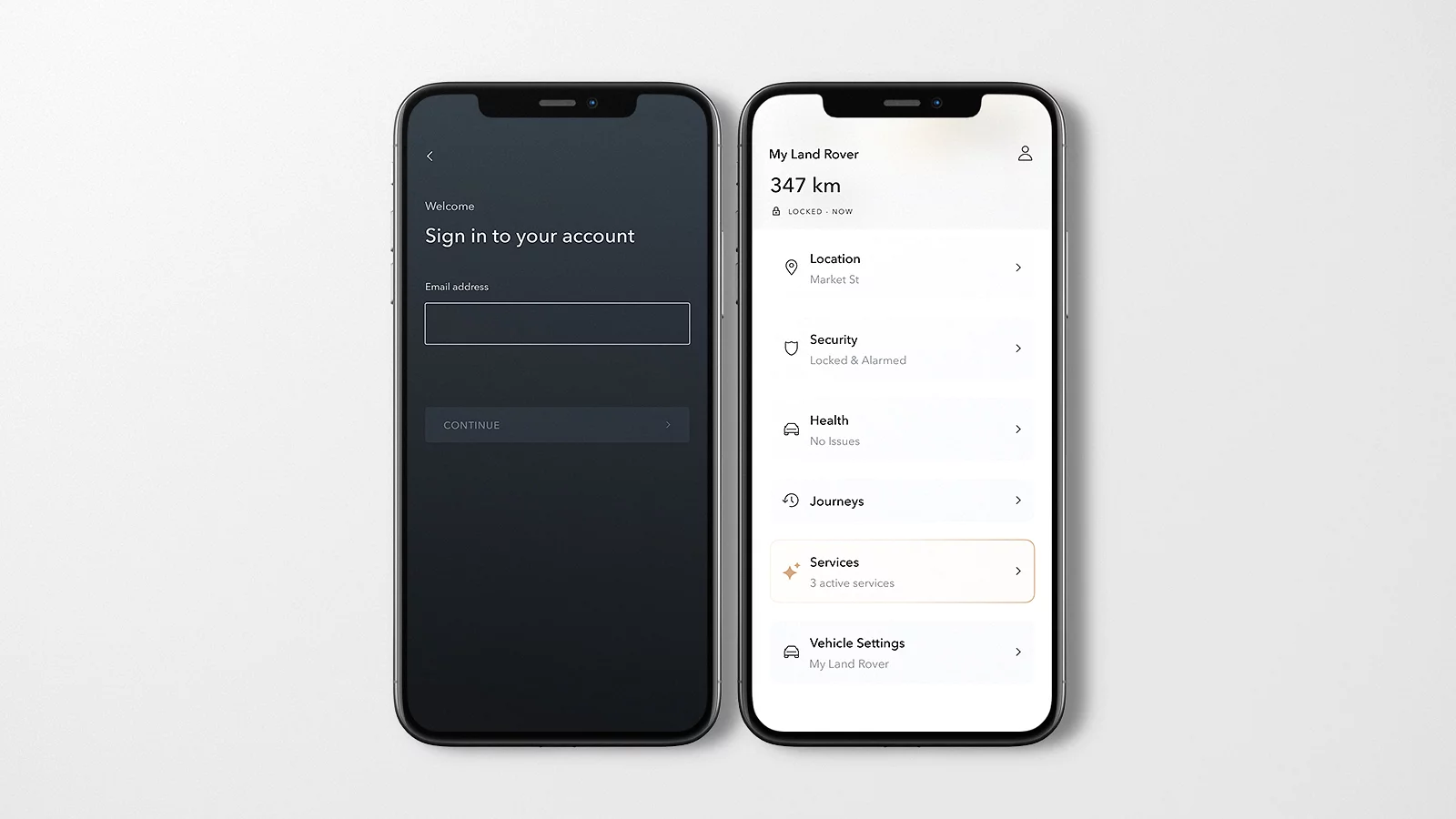
Remote app
Available as part of your Remote subscription package.
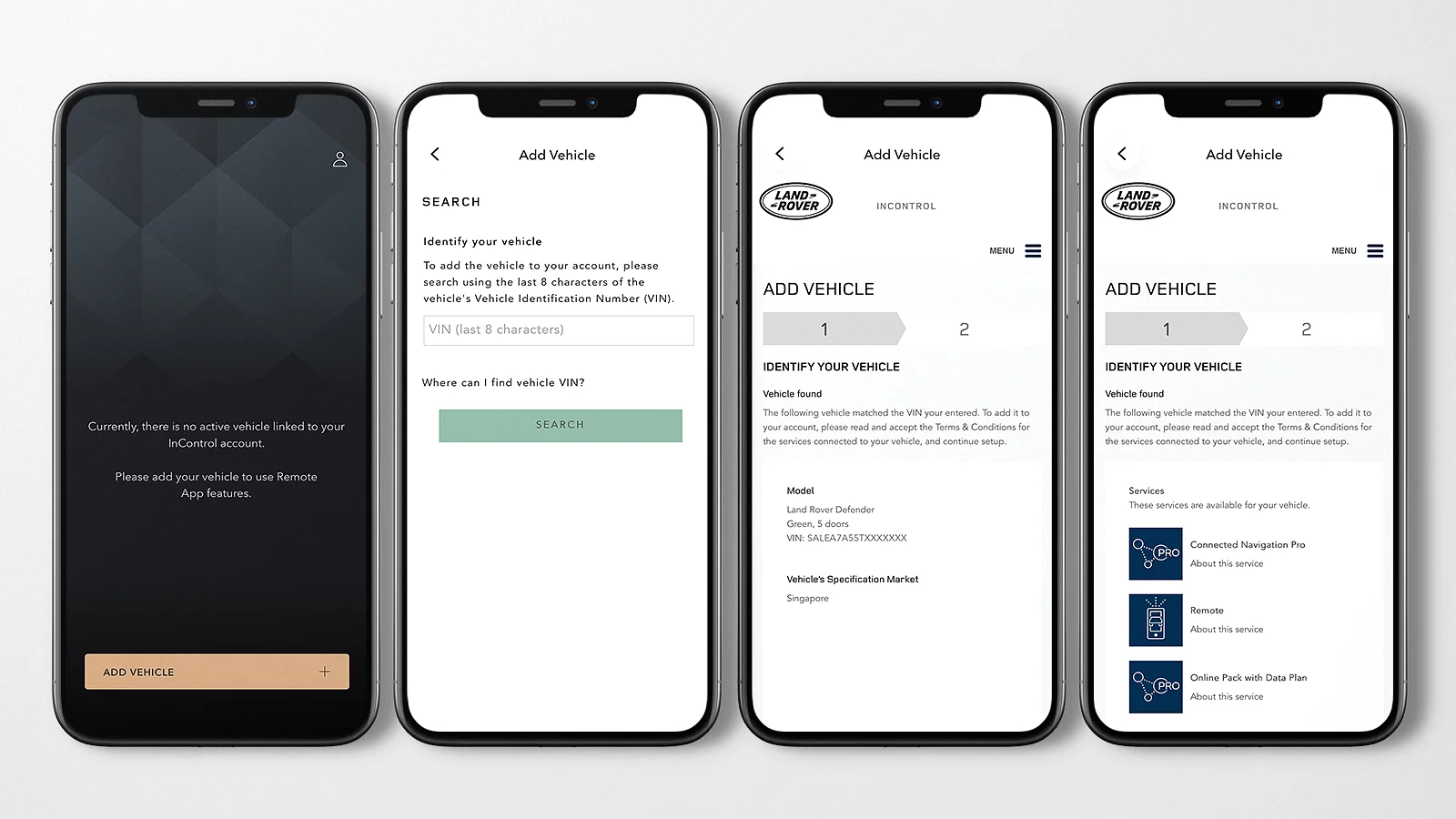
ADDING A VEHICLE and Activating Connected Services
Before you begin, ensure you have the last eight characters of your VIN, access to your InControl account and access to your vehicle.
REMOVING A VEHICLE
You can remove a vehicle using either the Remote app or your InControl account through a desktop browser.
Before you begin, ensure you have your InControl login details and a stable internet connection.
1Available to download via the Apple App Store or Google Play for most AndroidTM and AppleTM iOS smartphones. Land Rover Remote App requires network connectivity, a compatible smartphone, an InControl account and a Remote subscription. To continue using the relevant feature after its initial subscription period, you will need to renew your subscription and pay the applicable renewal charges.
2InControl features, options and their availability remain market dependent - check with your Retailer for local market availability and full terms. Certain features require an appropriate SIM with a suitable data contract which will require further subscription after the initial term advised by your Retailer. Mobile connectivity cannot be guaranteed in all locations. Information and images displayed in relation to the InControl technology, including screens or sequences, are subject to software updates, version control and other system/visual changes depending on options selected. Full terms and conditions can be found here.